Getting Started
Contents
1. Getting Started#
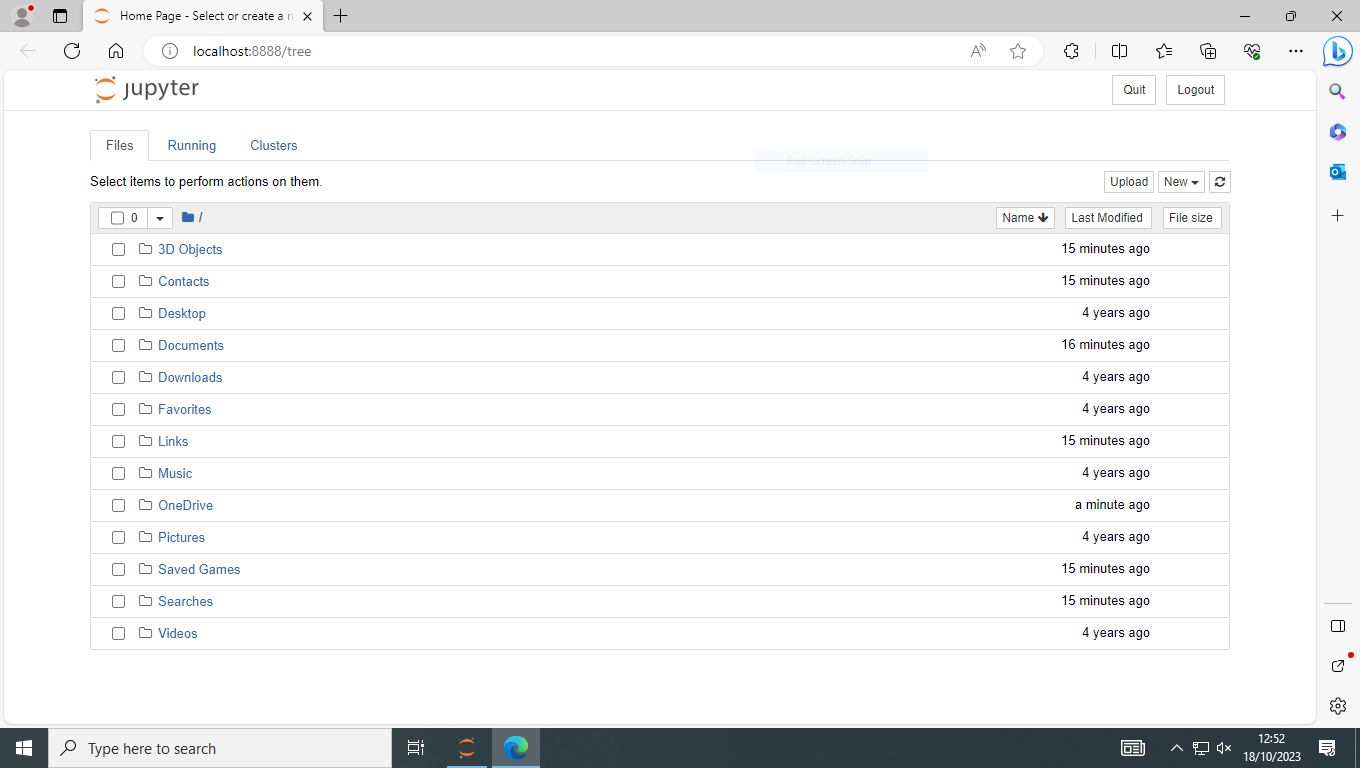
To undertake this course you need access to a system with a suitable Python system installed and access to Jupyter Notebook. You will also need to download the data files used in the examples, exercises, and assessment.
You can also download the Jupyter notebooks for each chapter of this course from here.
1.1. Installing Python and Jupyter Notebook#
Python and Jupyter notebook can be installed on a LU Windows 10 PC using your LU account. Alternatively, you can install the software on your own Windows PC using your university account and AppsAnywhere.
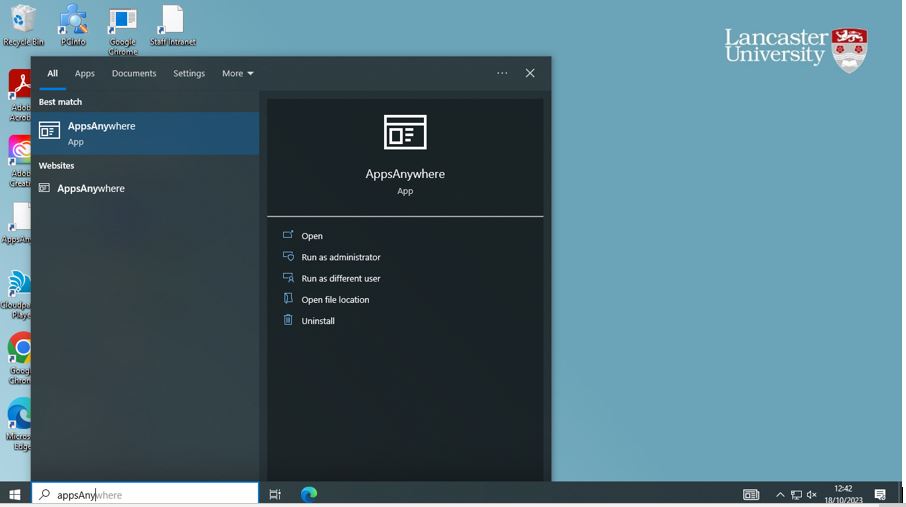
1.1.1. Start AppsAnywhere#
%%HTML
<img src=".\images\windows-start-apps-anywhere.JPG" width="800",height="300">
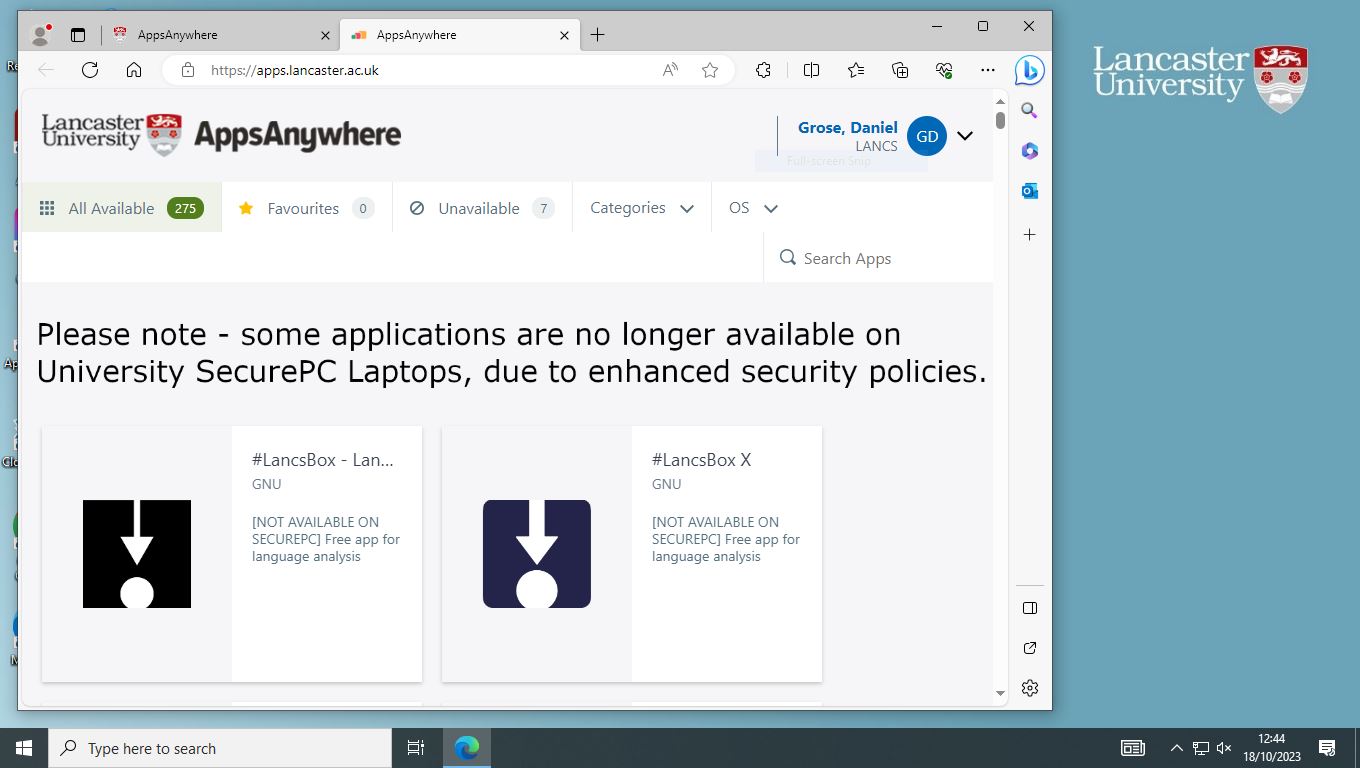
%%HTML
<img src=".\images\apps-anywhere-windows.JPG" width="800",height="300">
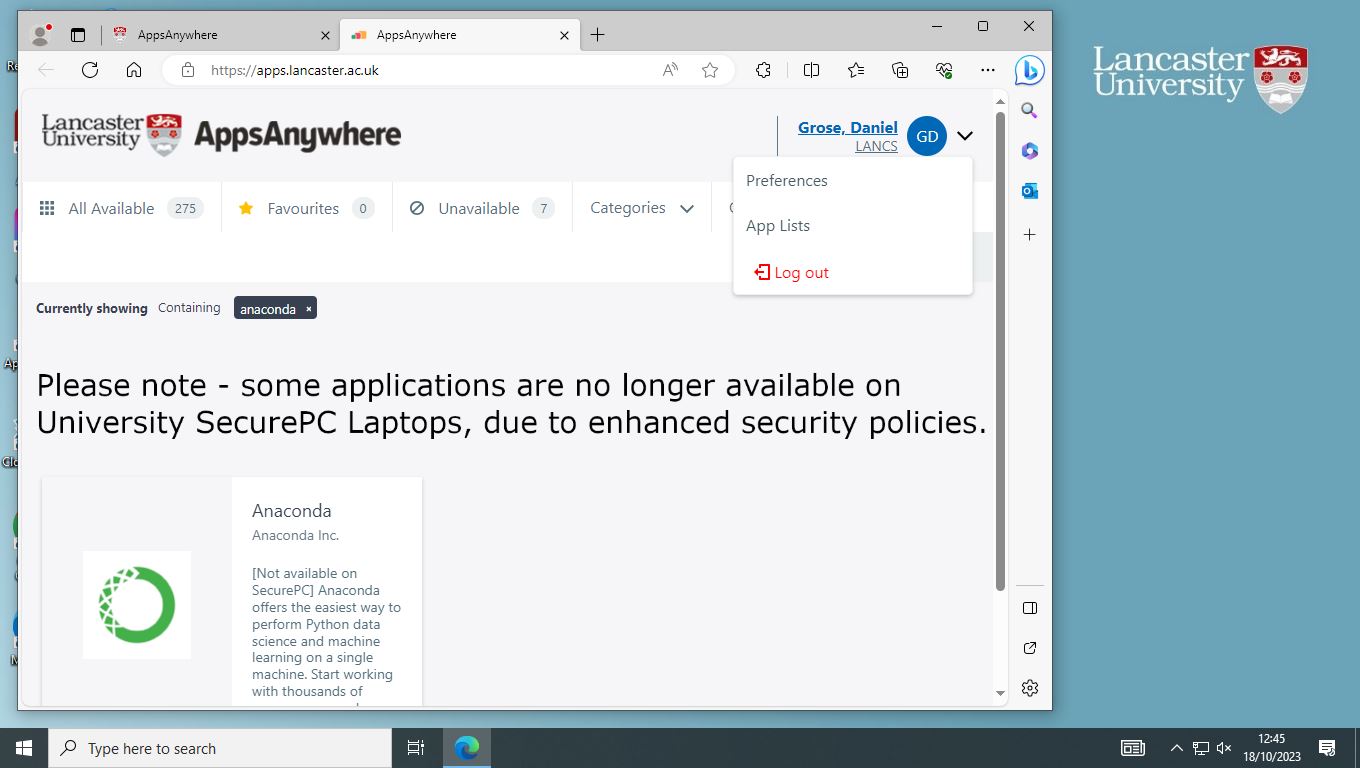
1.1.2. Install Anaconda#
%%HTML
<img src=".\images\apps-anywhere-anaconda.JPG" width="800",height="300">
1.1.3. Start Jupyter Notebook#
%%HTML
<img src=".\images\windows-menu-anaconda.JPG" width="800",height="300">
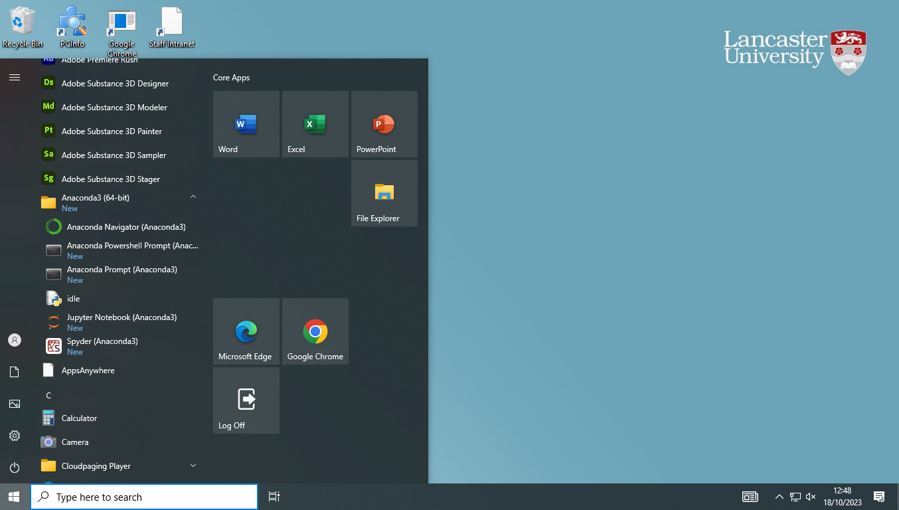
%%HTML
<img src=".\images\anaconda-jupyter-notebook.JPG" width="800",height="300">